Smartphone has so much penetrated 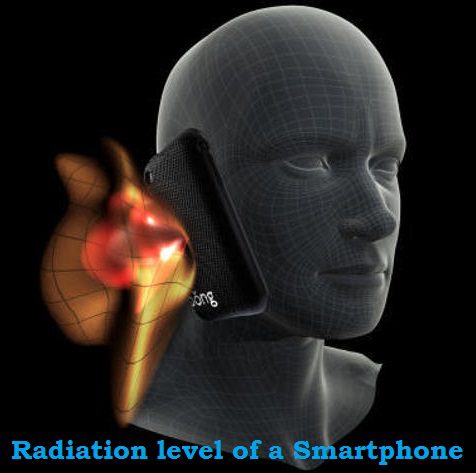 in
our daily life that now no one can think of without it. Excessive use
of smartphone may cause health problems but if you are even using less a
smartphone with bad SAR, that is most dangerous.
in
our daily life that now no one can think of without it. Excessive use
of smartphone may cause health problems but if you are even using less a
smartphone with bad SAR, that is most dangerous.
in
our daily life that now no one can think of without it. Excessive use
of smartphone may cause health problems but if you are even using less a
smartphone with bad SAR, that is most dangerous.
Here SAR stands for Specific Absorption
Rate which is a measure of the amount of radio frequency energy absorbed
by the body when using a mobile phone. Federal Communications
Commission (FCC) has adopted limits for safe exposure to radio frequency
(RF) energy which is 1.6 watts per kilogram (1.6 W/kg). Any
smartphone at or below this SAR levels is “safe” to use.
You can check Radiation level in terms of SAR of your smartphone by dialing a USSD code *#07#, if results shows SAR below 1.6 watts per kilogram (1.6 W/kg) then it is OK otherwise you are advised to change your smartphone immediately*#06# : It shows the IMEI number of your phone which is a 15 digit unique number for your phone, basically it is Social Security number of your phone. Sometimes when typing in *#06# it will add an additional 2 digits at the end. The first 15 digits shown before any space or dash is your IMEI. Note down IMEI number of your phone in your diary, it is very useful when your phone got stolen.


No comments:
Post a Comment