Your Gmail account probably contains some sensitive information—emails from your friends and family members, information about accounts for other services, candid pictures, you name it. What if someone else has been poking around in there? Fortunately, Google gives you the tools necessary to find out.
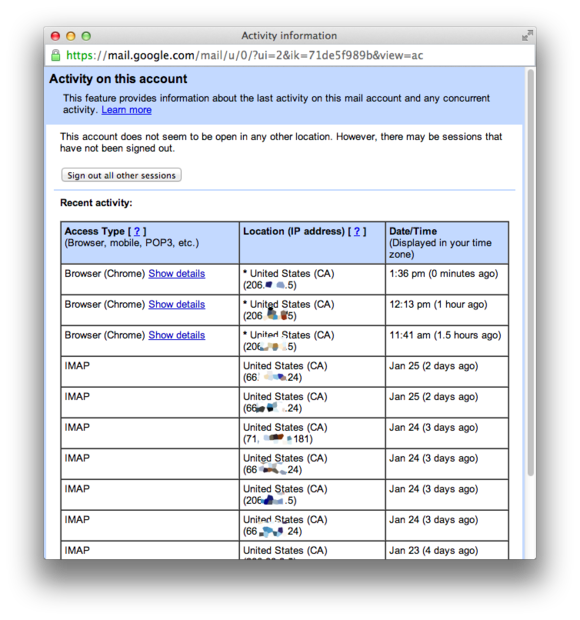
First, log into your Gmail account from your computer's Web browser. Once you get to your inbox screen, scroll to the bottom, and look for the link labelled "Details" in the lower-right corner.
While you're at it, you may want to turn on two-factor authentication for your Google account and give yourself an extra layer of protection.


No comments:
Post a Comment